Metronome engine
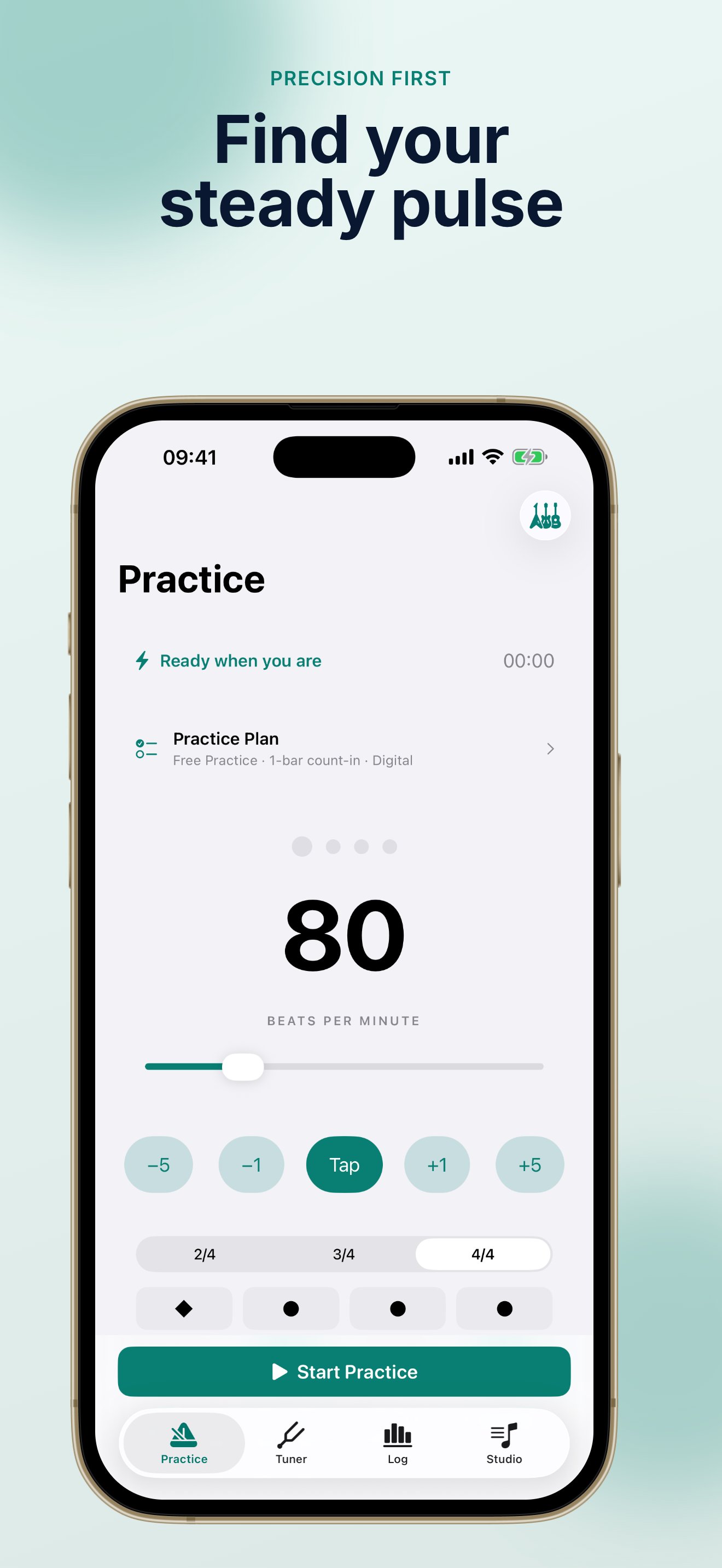
TempoMate: Metronome delivers sample-accurate timing, Tap Tempo, ±1/±5 BPM nudges, and essential meters—always ready when you pick up your instrument.
TempoMate: Metronome for iOS
Open TempoMate: Metronome and start practicing in seconds. Set any tempo from 20 to 300 BPM, feel clear accents through sound or haptic beats, tune on device, and build a useful record of every session—offline, ad-free, and private.
Trusted by musicians who want a focused TempoMate: Metronome experience without clutter.
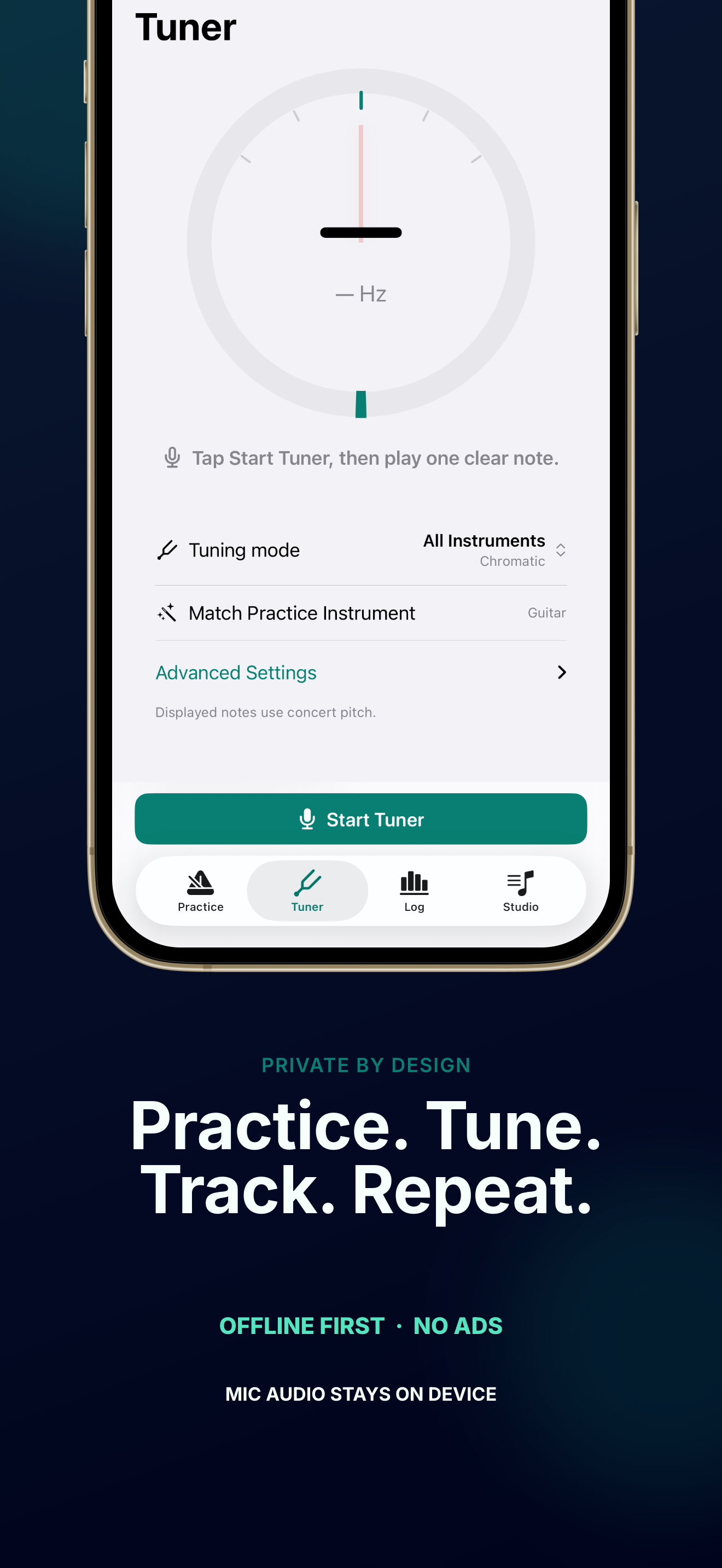
Swipe through real TempoMate: Metronome screens—metronome, tuner, practice log, and Studio tools designed for daily music practice.
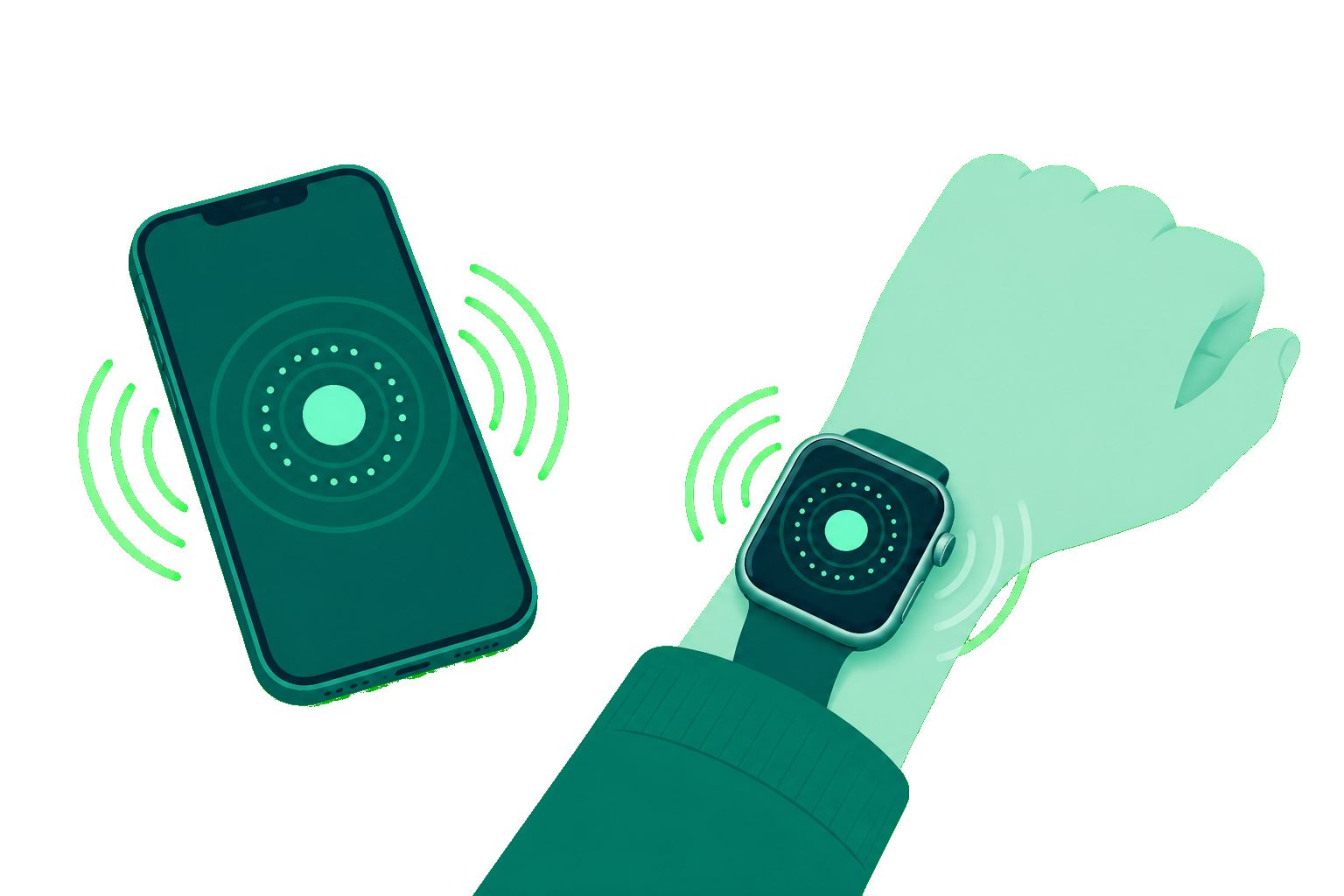
With TempoMate Pro, feel silent wrist beats on Apple Watch—adjust tempo with the Digital Crown, start and stop from your wrist, and keep your iPhone metronome in sync.
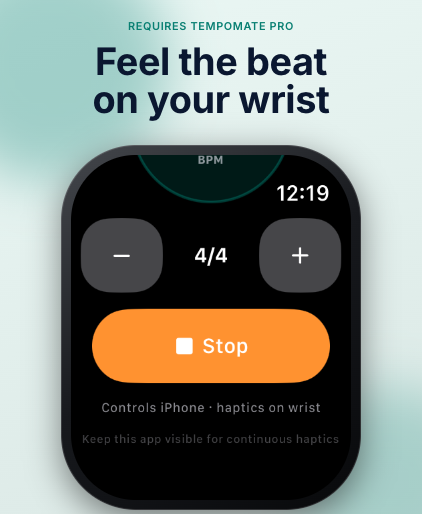
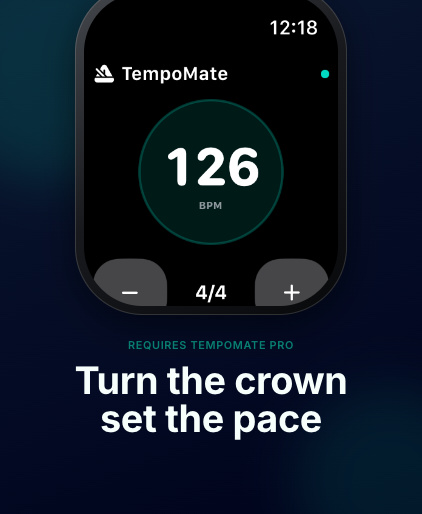
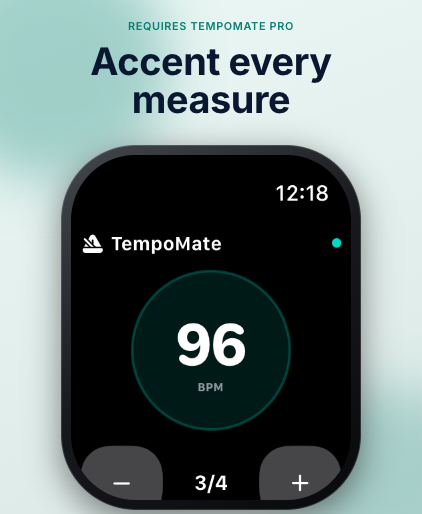
TempoMate: Metronome combines steady timing, silent haptic beats, and practice tracking so you can focus on playing—not fighting your tools.
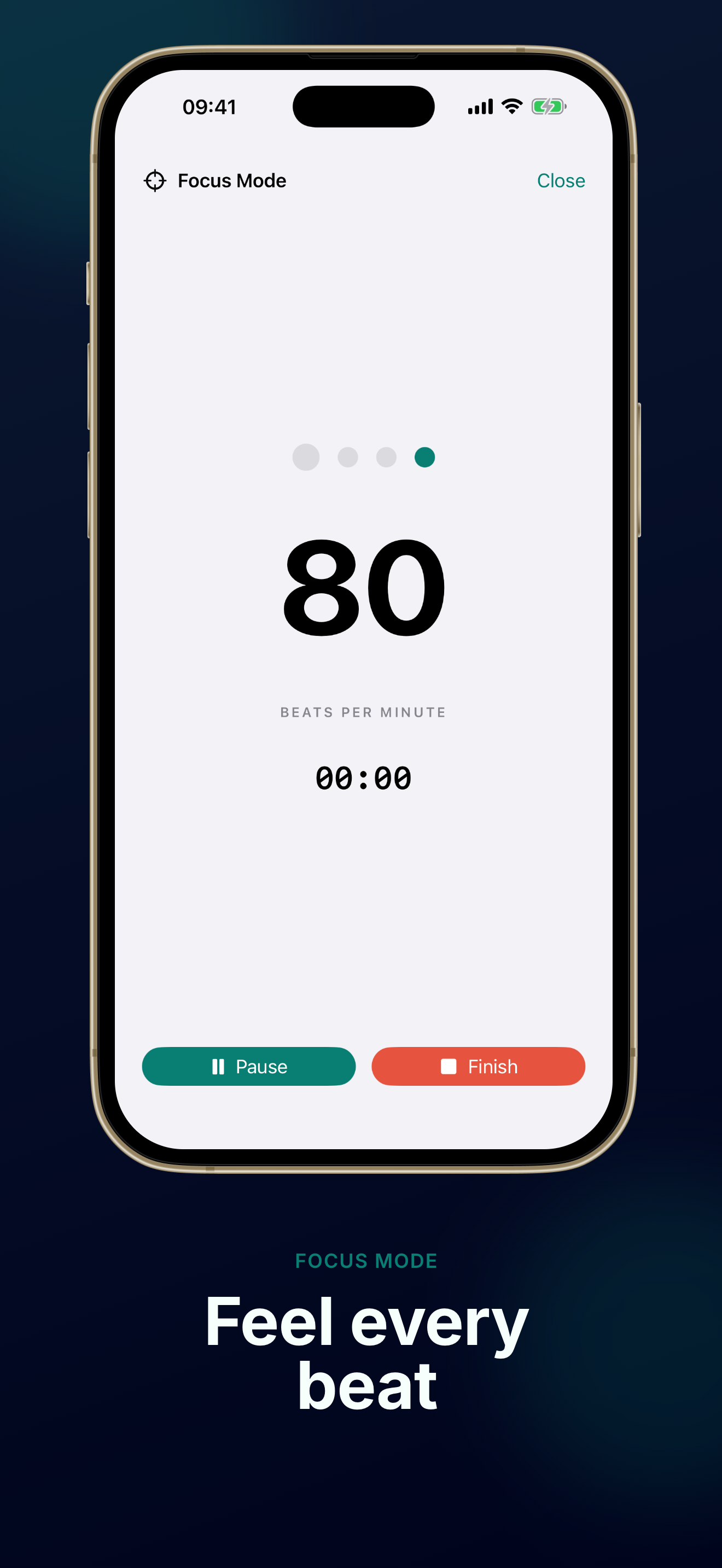
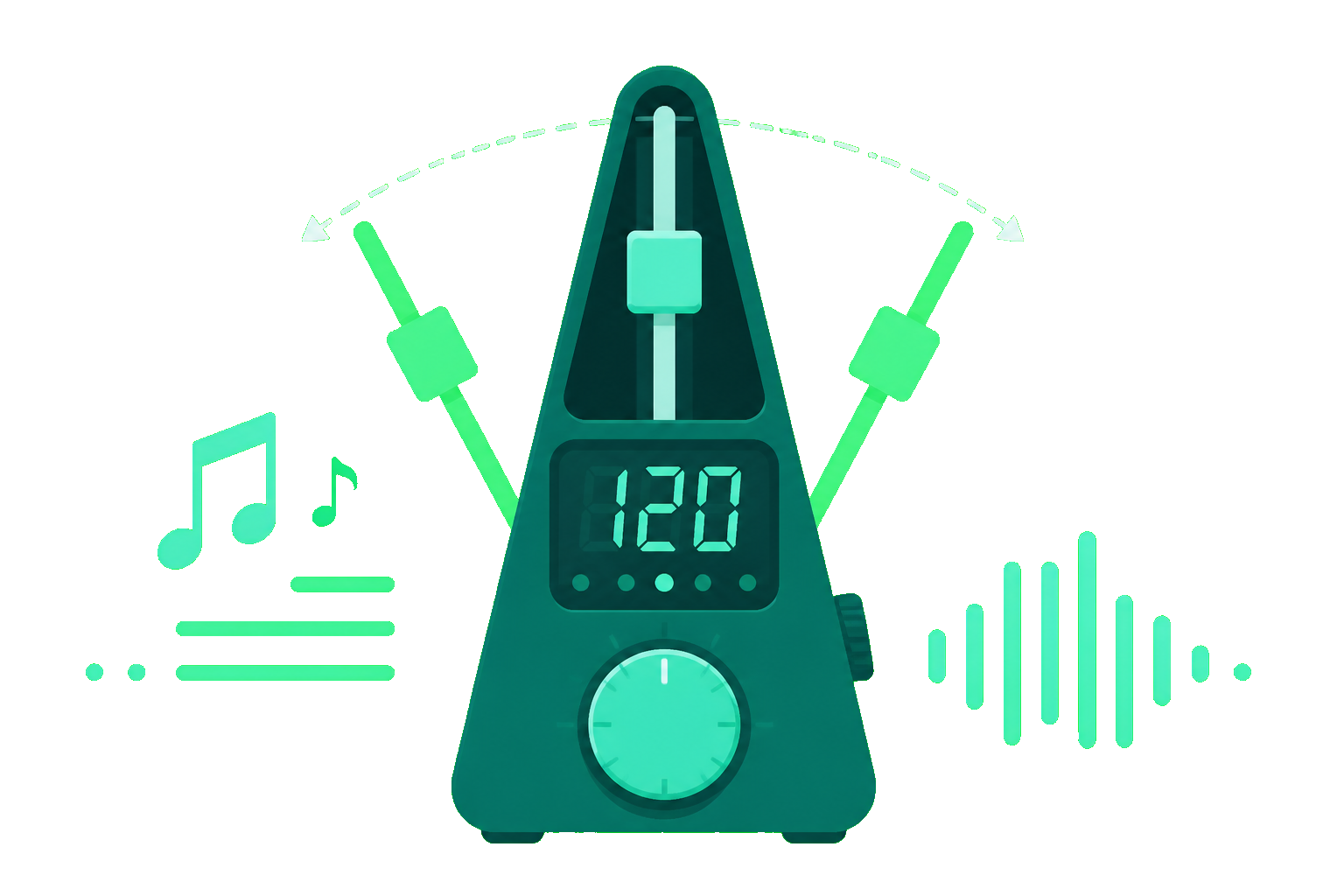
TempoMate: Metronome keeps a rock-steady pulse from 20 to 300 BPM with Tap Tempo, background audio, and lock-screen controls. Choose essential time signatures, hear clear downbeats, and stay in the groove through long practice blocks.
Practice quietly with TempoMate: Metronome haptic accents—ideal for late-night sessions, shared rooms, or stage rehearsals. TempoMate Pro adds custom haptic patterns and Apple Watch beats you can feel on your wrist.
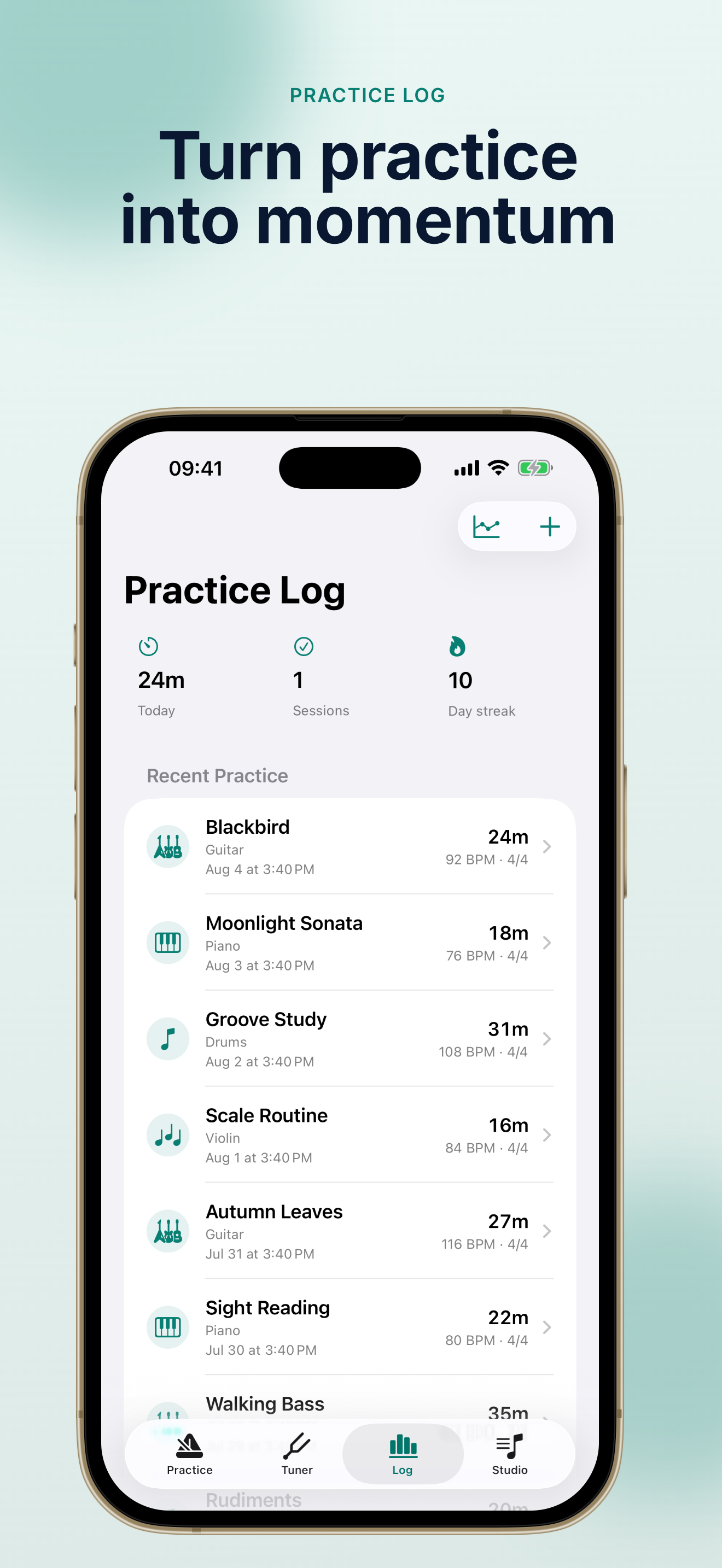
Every TempoMate: Metronome session saves automatically—instrument, piece, tempo, and duration. Watch your streaks grow, spot BPM trends, and turn small daily reps into visible progress with TempoMate: Metronome practice history.

TempoMate: Metronome packs the tools serious practice needs—without accounts, ads, or cloud uploads.
TempoMate: Metronome delivers sample-accurate timing, Tap Tempo, ±1/±5 BPM nudges, and essential meters—always ready when you pick up your instrument.
Feel accents through your iPhone or Apple Watch with TempoMate: Metronome—perfect for silent rehearsal and stage-adjacent practice.
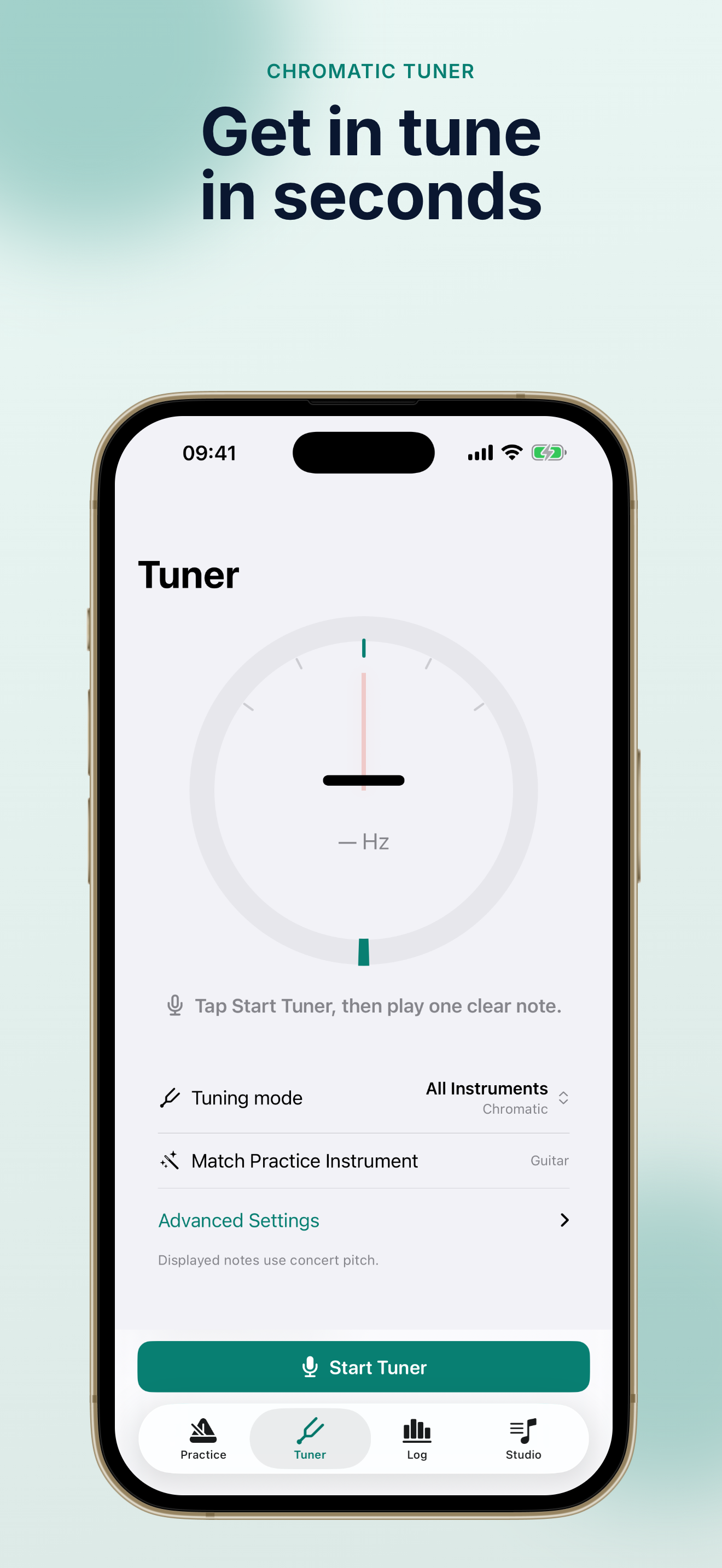
TempoMate: Metronome analyzes pitch locally. Microphone audio never leaves your device—tune fast between reps.
TempoMate: Metronome records sessions automatically with instrument, piece, BPM, and notes—your private practice diary.
Organize pieces and share assignments locally. TempoMate: Metronome keeps teacher lists on your device—no student accounts required.
TempoMate: Metronome has no ads, no login, and no microphone uploads. Your TempoMate: Metronome data stays on your iPhone.
Three quick steps to make TempoMate: Metronome part of your daily routine.
Install TempoMate: Metronome from the App Store, open it, and set your first tempo. TempoMate: Metronome works offline from the first launch—no account needed.
Pick audible clicks or silent haptic accents in TempoMate: Metronome. Switch modes anytime—ideal for apartment practice or full-volume rehearsal.
TempoMate: Metronome supports background audio and lock-screen transport controls.
Start and end practice in TempoMate: Metronome to save duration, BPM, and instrument automatically. Review streaks and trends to stay motivated.
TempoMate Pro unlocks full history, setlists, tempo training, and CSV/PDF export.
TempoMate FAQCommon questions about TempoMate: Metronome, privacy, and TempoMate Pro.
Yes. TempoMate: Metronome includes a full metronome (20–300 BPM), essential time signatures, basic haptics, chromatic tuner, and automatic practice logging. TempoMate Pro is a one-time lifetime unlock for advanced meters, tempo training, Watch haptics, setlists, and unlimited history.
No. TempoMate: Metronome analyzes tuner audio entirely on your device. We never upload microphone recordings. See our privacy policy for full details.
Absolutely. TempoMate: Metronome is offline-first—metronome, haptics, tuner, and practice logs work without an internet connection. Network is only needed for App Store purchases and optional feedback email.
TempoMate Pro is a one-time purchase (no subscription) that unlocks advanced time signatures, tempo trainer, custom haptic patterns, Apple Watch beats, instrument tuning presets, full practice history, setlists, teacher mode, and CSV/PDF export.
TempoMate: Metronome requires iOS 17 or later. Apple Watch haptic metronome features require TempoMate Pro and a paired watch.
Install TempoMate on iPhone, pair your Apple Watch, and unlock TempoMate Pro. The Watch app delivers silent wrist haptics, Digital Crown tempo control, and can start or stop your iPhone metronome. Keep the Watch app visible on your wrist for continuous haptic beats during practice.
Join musicians who practice with TempoMate: Metronome—precise beats, silent haptics, and a private log that grows with you.
Get TempoMate: Metronome free on the App Store. Upgrade to Pro once when you're ready for the full studio.
One-time Pro purchase. No subscription. Your practice stays on your device.